Treating rarity as performance
A rare drone may still need comparative mining evidence. Use the drone hub and tier-list evidence status instead of assuming a one-in-N label equals best.
Start with the real drone-mining loop, make conservative fleet decisions, and reach larger worlds without relying on invented rates or upgrade formulas.
Roll a starting drone fleet, unlock enough dock platforms to keep good drones mining, claim BETABETA from the creator group, check whether the index offers a permanent cash reward after a new discovery, then watch whether mining power, travel speed, or cargo is slowing your current planet. Save rare or unclear rewards until their in-game effect is known.
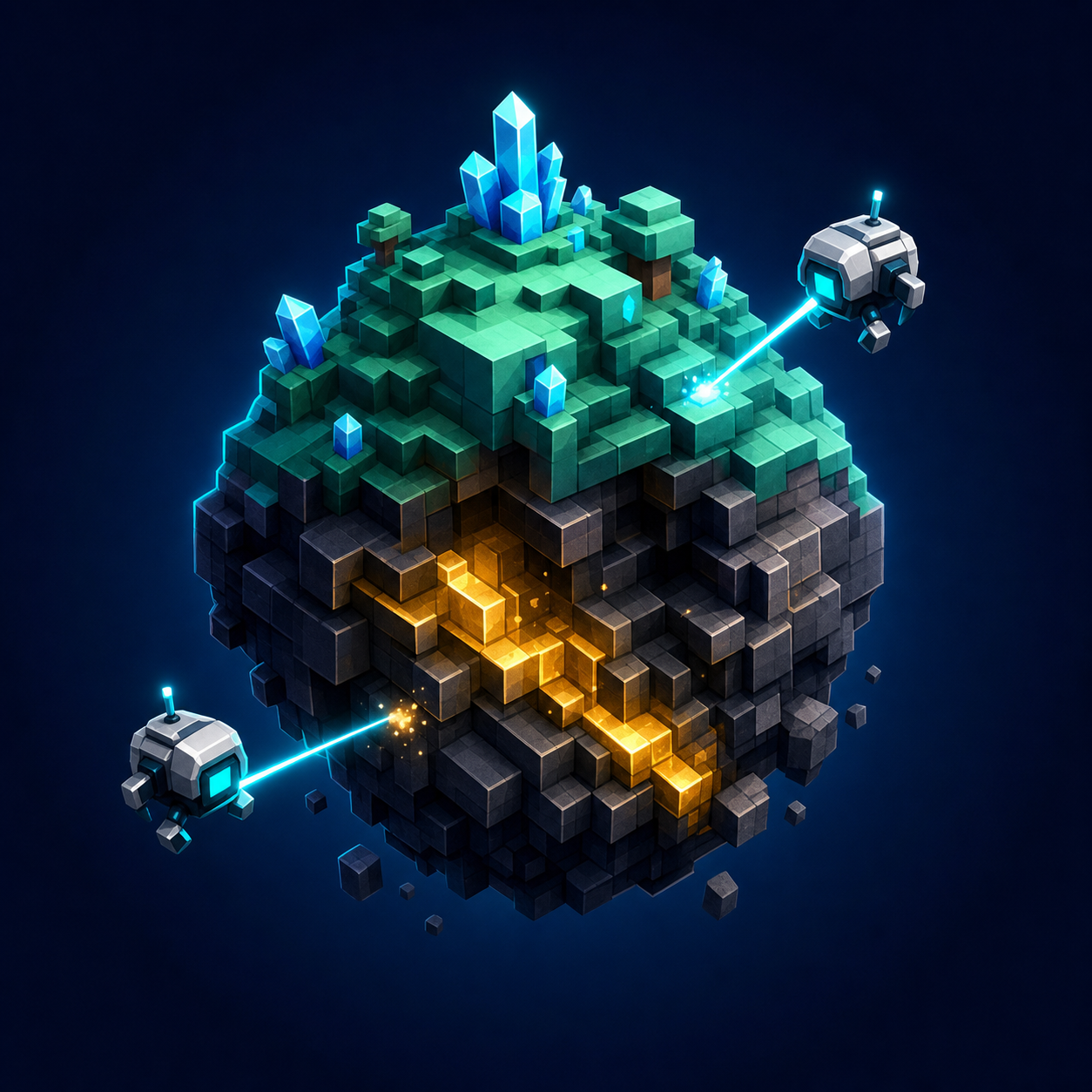
The official description defines the loop: roll laser drones, mine planets, improve Luck, upgrade fleet power, speed, and cargo, discover ores, and evolve into bigger worlds. Spend a short first session observing where each part appears in the current interface. Because the experience is in beta, a menu label or requirement can change faster than a static guide. Treat the game screen you see as the authority for buttons and costs.
Take note of your starting drone, upgrade levels, current planet, and any visible evolution meter before changing anything.
Current public beginner coverage updated on Tuesday, July 21, 2026 says extra dock platforms are an early growth lever because every unlocked slot can keep another drone mining. Use that as a practical route check, not as a published cost table: read the live in-game dock-platform price before buying it, fill every opened slot, and compare the payout against the next upgrade. If a newly rolled drone is clearly stronger, recall the weaker one and keep the best unit on the active platform instead of leaving a slot idle.
The official Skydog Games group lists BETABETA for one Super Alien Treat. Copy the code from this site's codes page and look for a visible code or rewards field inside the official experience. The creator source does not document the exact menu path, so do not trust a third-party page that requests your password or asks you to install software. After a new drone discovery, check the index as well: current July 21 public beginner coverage says it can grant permanent cash bonuses, but creator-owned Roblox pages still do not publish the thresholds or exact values.
Watch a complete mining cycle before buying an upgrade. If the planet takes a long time to break while drones stay active, mining power may be the limiting factor. If drones spend noticeable time moving or reacquiring targets, speed may matter. If the loop pauses because storage fills, cargo is the constraint. This is a diagnostic framework, not a universal priority list, because no public cost or multiplier table exists.
Change one upgrade category at a time and compare the same planet under the same drone setup.
The official description says evolution unlocks bigger worlds, but it does not reveal the sequence, price, retained progress, or reset behavior. Before confirming an evolution, inspect whether the prompt mentions drones, upgrades, ores, cargo, currency, or rewards that carry over. Finish obvious free claims and avoid spending an unknown limited item just to reach the requirement. After evolving, record what changed so later upgrade and ore comparisons use the correct planet context.
A rare drone may still need comparative mining evidence. Use the drone hub and tier-list evidence status instead of assuming a one-in-N label equals best.
Changing power, speed, and cargo together hides which purchase solved the bottleneck. Test one category against the same cycle.
Read its in-game tooltip. The official group confirms only the name and quantity, not a Luck or drone bonus.
Verify the creator and place ID. Broad searches return similarly named Roblox experiences that are not Mine a Planet.
Learn the roll-and-mine loop, claim the creator-published code, inspect your starting fleet, and use visible in-game upgrade requirements before spending limited resources.
Current public beginner coverage says extra dock platforms are an early growth priority because they seat more drones, but creator-owned Roblox pages still do not publish the exact costs or caps. Use the live UI for the current numbers.
The public sources do not expose costs or multipliers. Identify your actual bottleneck: power if mining is slow, speed if drones wait or travel, and cargo if capacity stops the loop.
Evolve only after reading the current in-game requirement and checking what progress or upgrades are retained. Public sources confirm evolution but not its cost or reset behavior.
They are confirmed ore names, but their planet locations, unlock stages, rarity, and values are not publicly verified.
MineAPlanet is an unofficial fan-made resource. Roblox and the game creators remain the official place for support and updates.